
Draft preview: highlighted items are details we still need from you, and photos marked “placeholder” will be replaced with your own.

Demo video

demo video embed (John is reshooting it this week)

The video will cover setting up your Medi-Trust: placing it, loading the spindle and setting the first schedule on the touchscreen. If you would rather read, the setup guide below walks through the same steps.
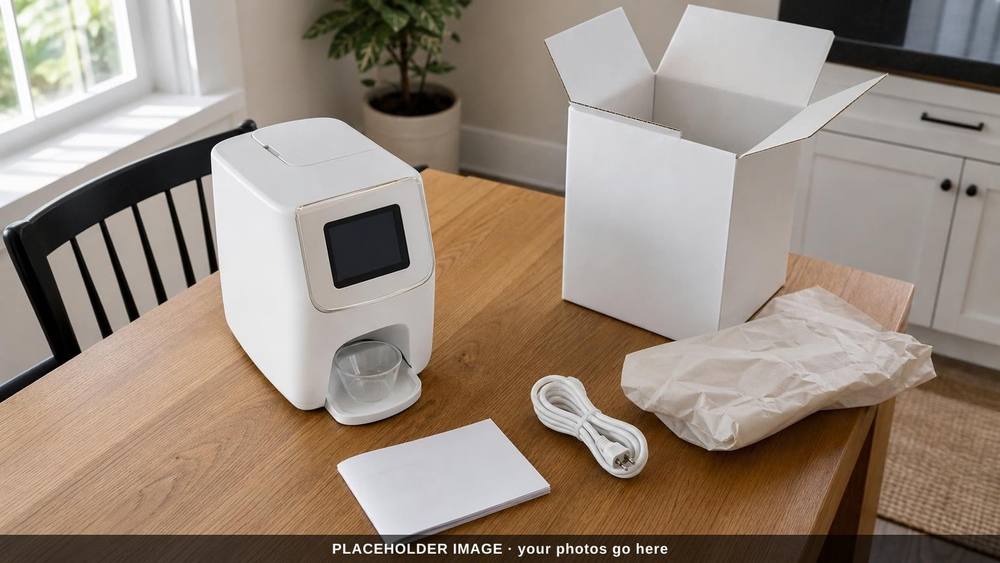
White dispenser with a touchscreen on a wooden table beside an open box, packing paper, a power cord and a booklet

Setup guide

Work through the steps in order. Each one opens to show what to do.

Step 1

setup step text from MedCadence Rx

Step 2

setup step text from MedCadence Rx

Step 3

setup step text from MedCadence Rx

Step 4

setup step text from MedCadence Rx

Step 5

setup step text from MedCadence Rx

Step 6

setup step text from MedCadence Rx

Caregiver app setup

The caregiver's app is where the video of each dose arrives. Installing the app and connecting it to your device: caregiver app setup steps

Service and repairs

warranty and service terms from MedCadence Rx

If your Medi-Trust needs service or repair, use the form below and choose "Service or repair" as the topic. Include your order or serial number if you have it.

Downloads

Quick-start guide (PDF) quick-start PDF

Contact support

Tell us what you need help with and we'll get back to you.

We never sell your information (privacy policy).

Call support

For setup, scheduling, the caregiver app, or service and repair.

Support line: (423) 555-0100

Support hours: support hours